
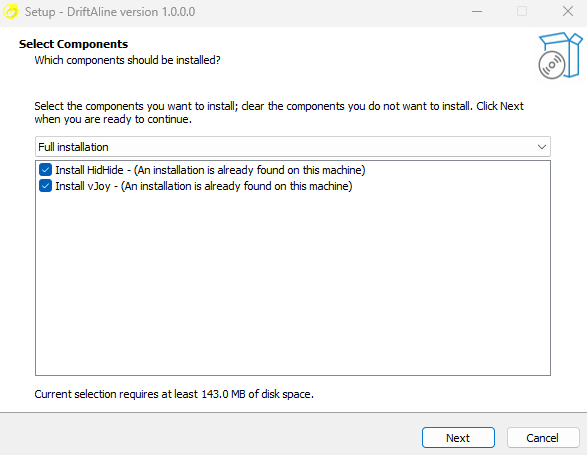
Start the installer and then you will be asked to select third party tools to install. If your system doesn’t already have vJoy installed, then you must also select the vJoy component, or install it separately. DriftAline uses vJoy to interact with games. HidHide component is optional.
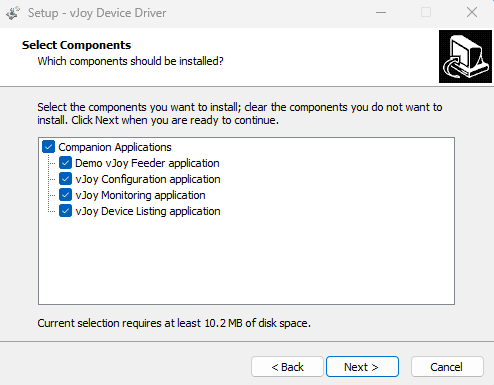
Then an installer for vJoy (Required) and HidHide(Optional) should pop up, have all of the components ticked when downloading vJoy. Once that is complete, enjoy using DriftAline!