DRIFTALINE IS NOW FREE FOR A LIMITED TIME!
Loading...

Reduce stick drift, stabilise analog input, and fine-tune your controller without replacing it.
Identify unstable sticks before they ruin your game.
Live view of analog movement and resting behaviour.
DriftAline selects the best deadzone settings for your sticks.
Select the deadzone settings you feel work best.
Re-centre misaligned sticks for accurate neutral input.
Restore true neutral when sticks sit off-centre.
Fix uneven movement so input feels consistent in every direction.
Control uncertainty, variance and input delay for stable response.
Save and switch setups per game or controller.
Dial in stick response to match how you play.
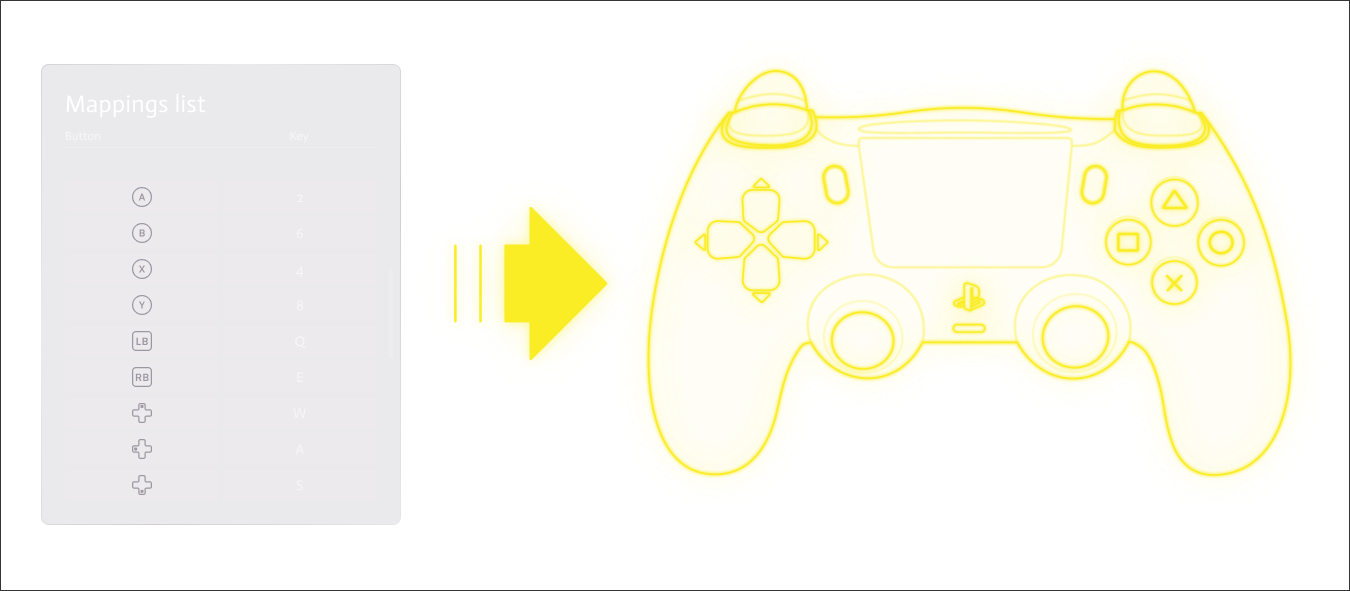
Remap buttons in software — no hardware mods needed.
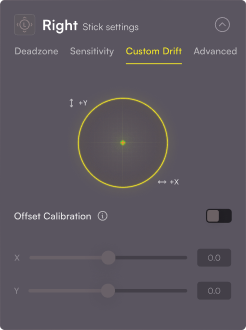
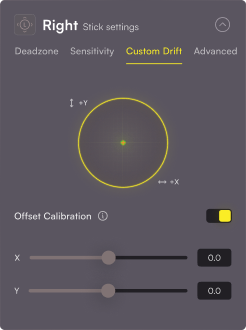
Sticks axes centres are adjusted using a fixed offset value. This calibration corrects deviations in the joystick axes’ neutral position, ensuring accurate alignment, eradicating stick drift.

Variance
Aligning with measurement variations and device/user preferences, adjusting this parameter accurately captures the changing rate of measurements. The system effectively tracks and compensates for stick behaviour, improving control, performance, and mitigating stick drift for enhanced accuracy
Input Delay
Represents the maximum waiting time for the software to receive a new input readings from the controller, limiting the software’s waiting period for fresh input data. However, it may not be effective for controllers with rapid and frequent input changes.
Random noise
Random bounce
Creates fake bouncing movements in a game controller or joystick. It imitates the unpredictable jumps and jitters of a drifting controller. Use it for testing and adjusting controllers to fix stick drift issues.
Uncertainty
Use it to reduce uncertainty or noise in the controller’s input. By tuning the Uncertainty Slider, you can improve control accuracy by minimizing unwanted drift and irregular movements.
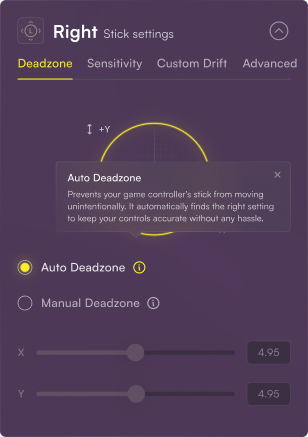
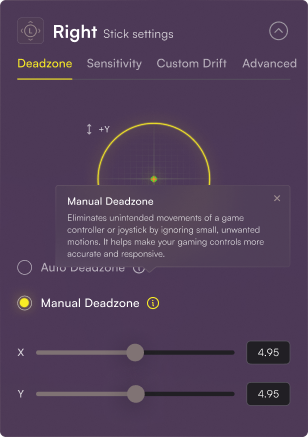
DriftAline automatically finds the right settings to keep your controller accurate without any hassle. This prevents your stick from moving unintentionally.
Eliminates unintended movements of a game controller or joystick by ignoring small, unwanted motions. It helps make your gaming controls more accurate and responsive.
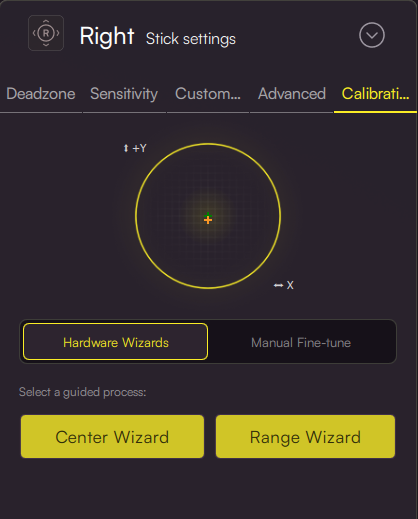
A guided, step-by-step flow that walks you through stick calibration for your controller: you move the left and right analog sticks through the patterns the wizard shows so DriftAline can learn each stick’s center, range, and related calibration settings. It runs inside the app (no firmware flashing), saves results into your DriftAline profile.
With our free keyboard to controller mapping tool, seamlessly integrate keyboard inputs into your controller setup. Customize controls to fit your style, enjoy compatibility, and expect regular updates for an enhanced gaming experience.